Press play
Allow location. The reading stays in your browser and is never uploaded.
Speedometer PRO・MPH Tracker
GPS speedometer app
See how fast you are moving, here in the browser. Speedometer PRO adds HUD, trips, a map and a compass on Android and iPhone.


Free with ads; optional Premium in-app purchase. Set it up before you move.
Live speed, a windshield HUD, and trip stats. No speed-limit alerts, speed cameras, or Apple Watch.
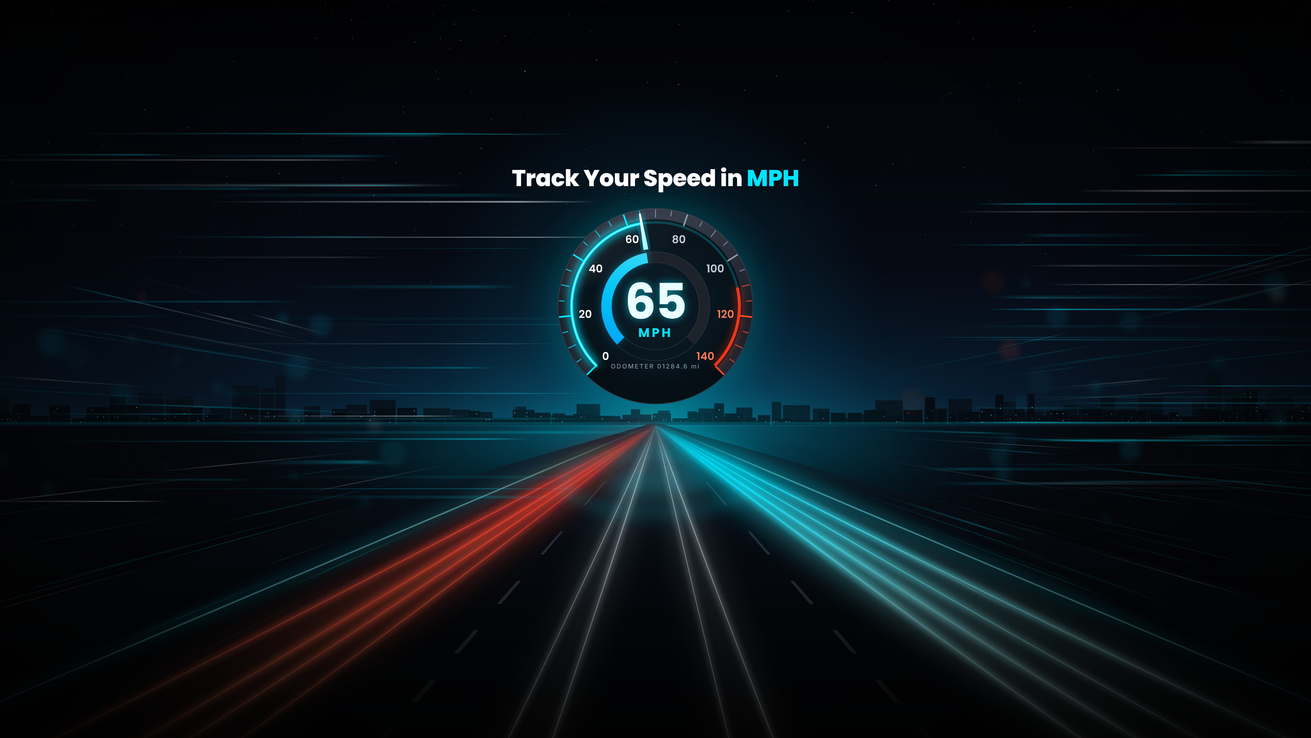
The online speedometer runs in this page. The app is for the drive.
Allow location. The reading stays in your browser and is never uploaded.
Switch between MPH and KM/H. The big number updates about once a second.
HUD, trip history, the map and the compass live in Speedometer PRO.
More calculators in the browser. Nothing to install.
Yes. It is free to download on Google Play and the App Store. It shows ads and offers optional Premium features such as extra themes.
Yes. The App Store version needs iOS 15.0 or later and was released on 20 October 2026.
Yes. You can switch between MPH and KM/H in the app.
No. The current listing does not include speed-limit alerts or speed cameras, so we do not claim them.
GPS speed comes from satellites, not mobile data. The map tab may need a connection to load map tiles.
Live GPS speed, HUD, trips, map and compass. Free with ads and optional Premium.
Set it up before you move.